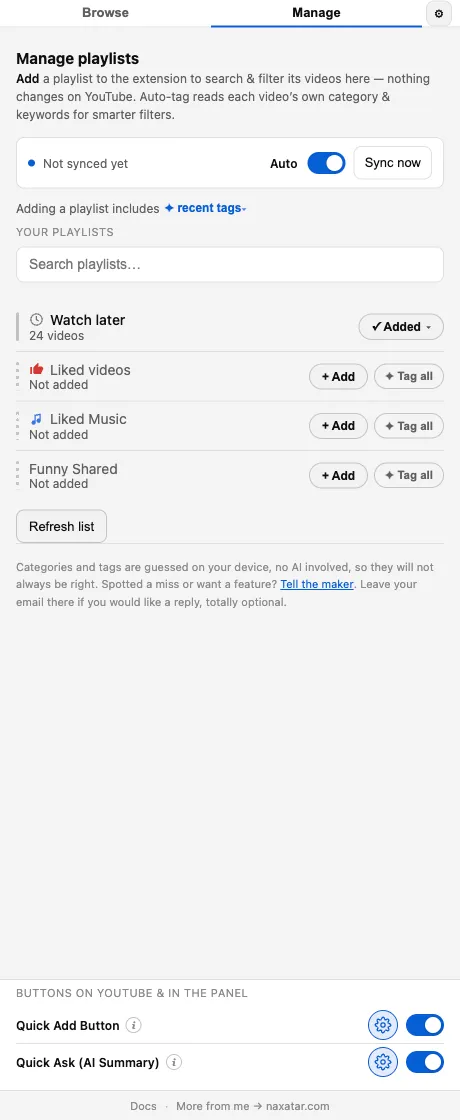
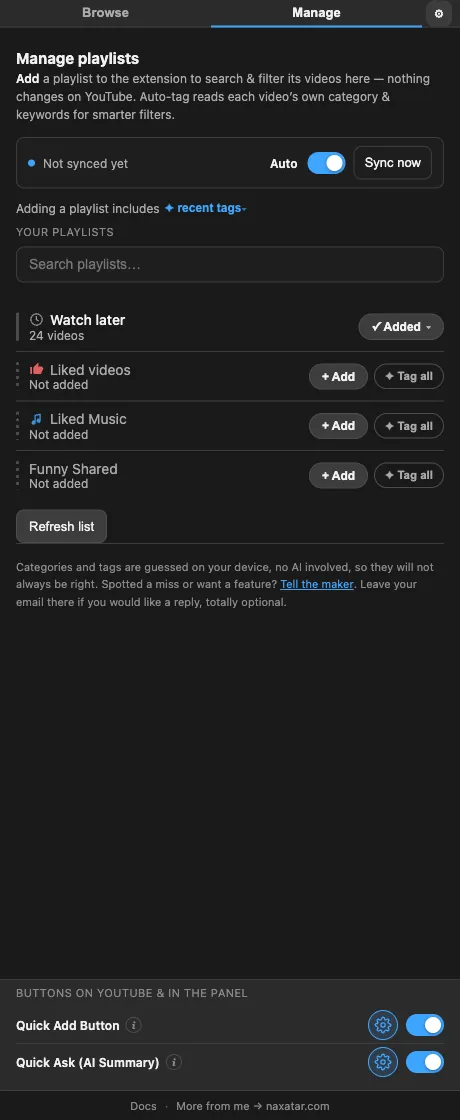
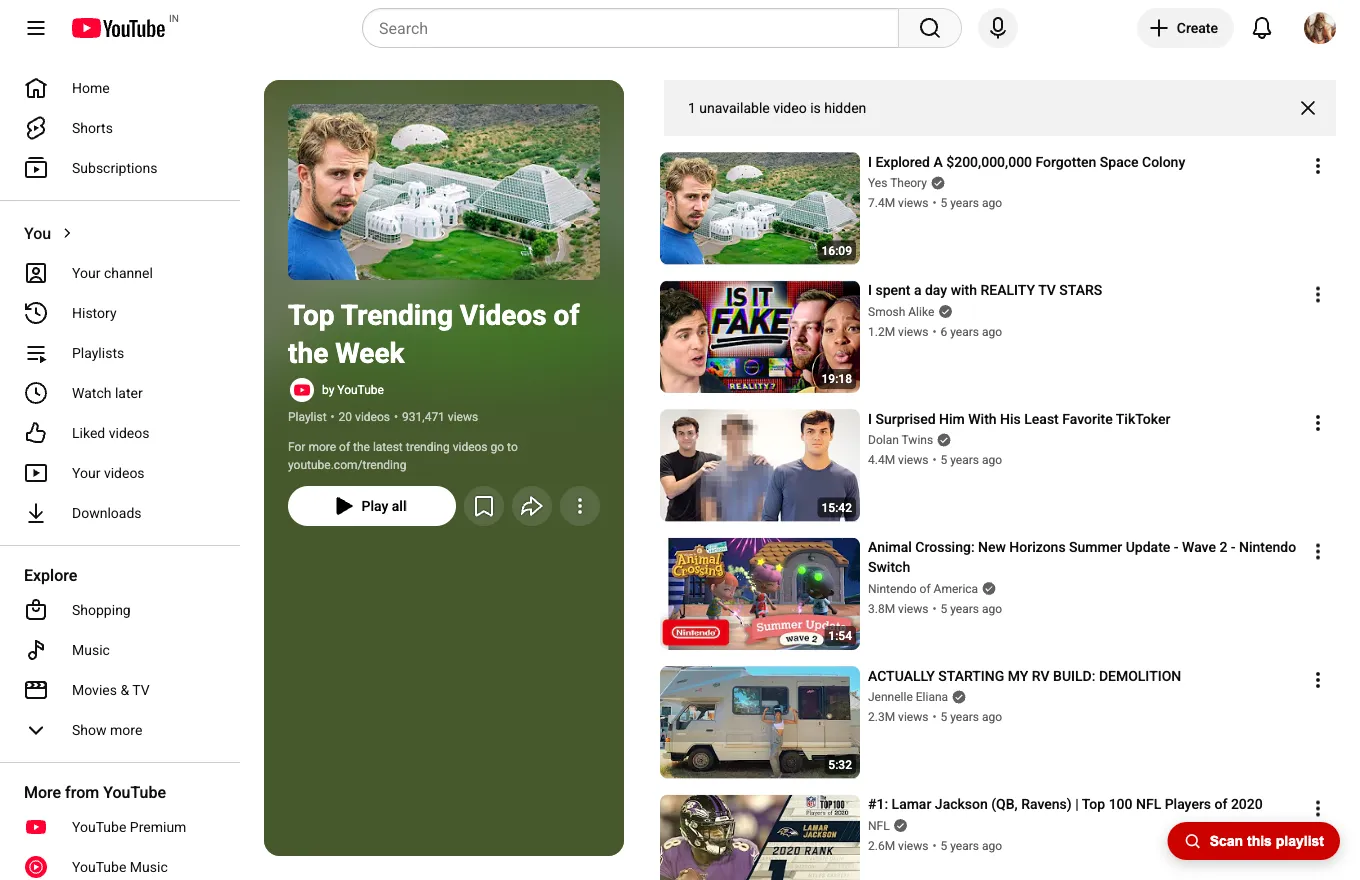
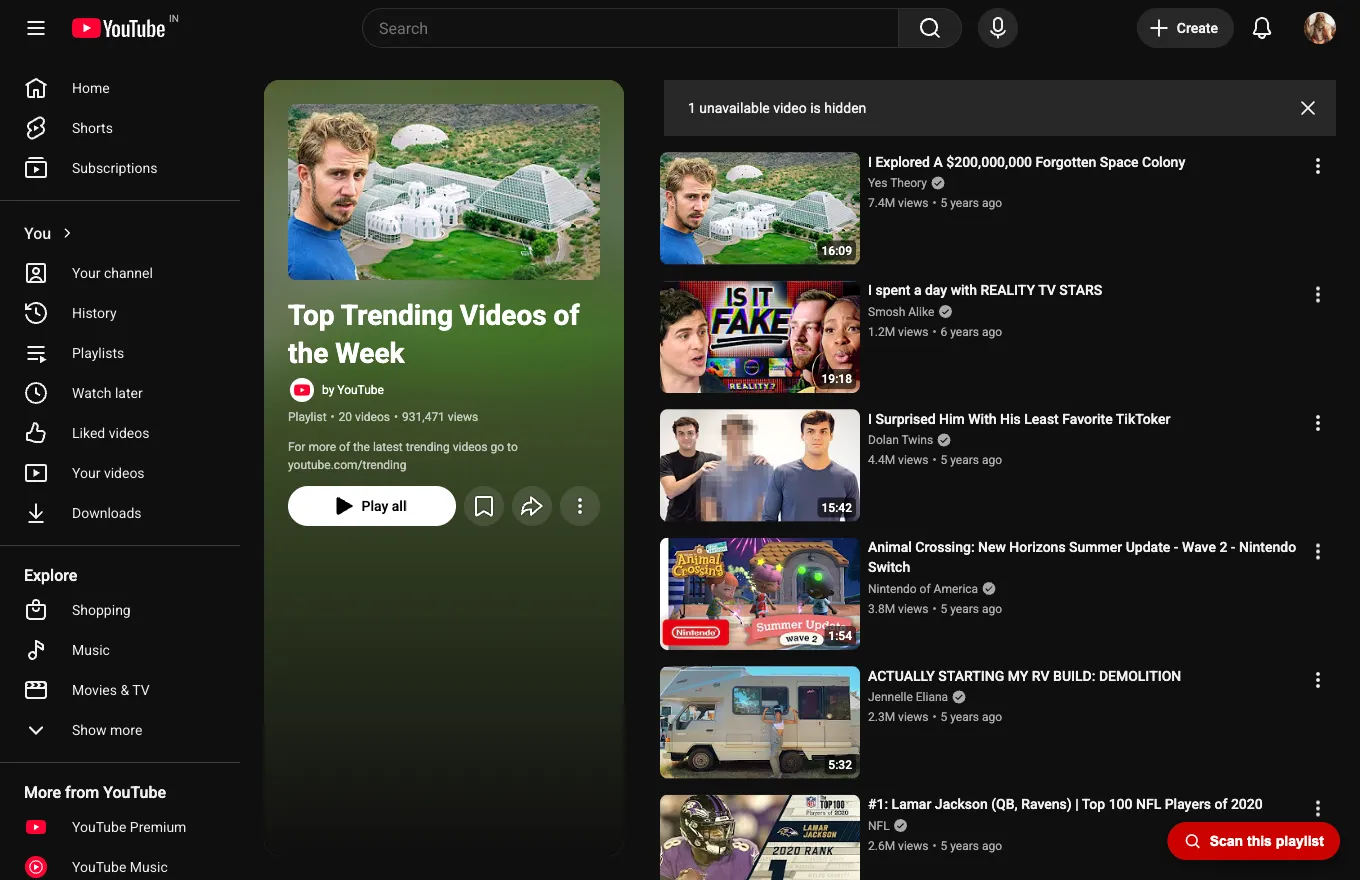
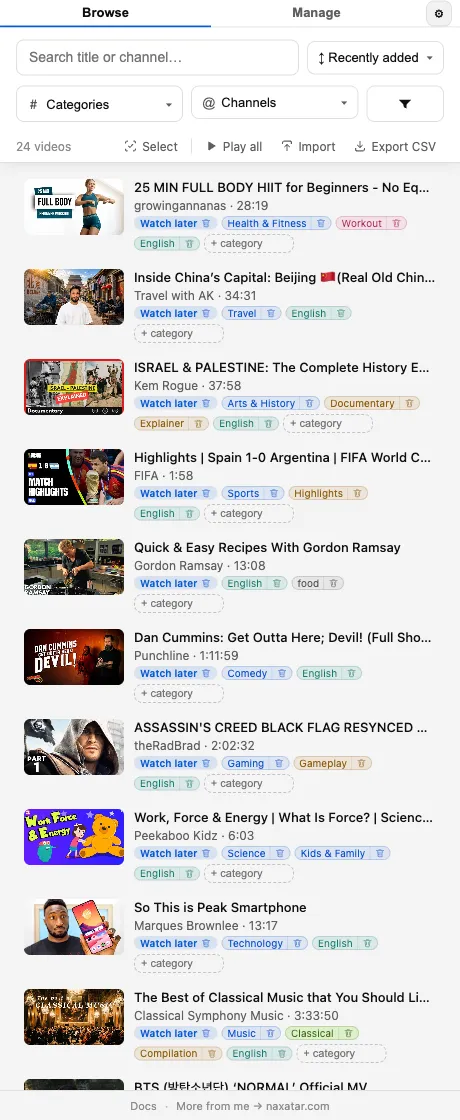
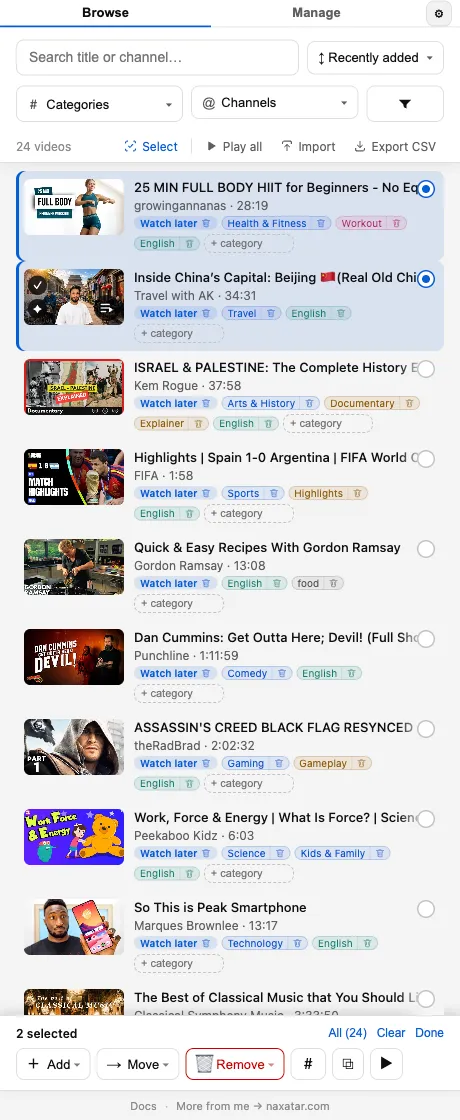
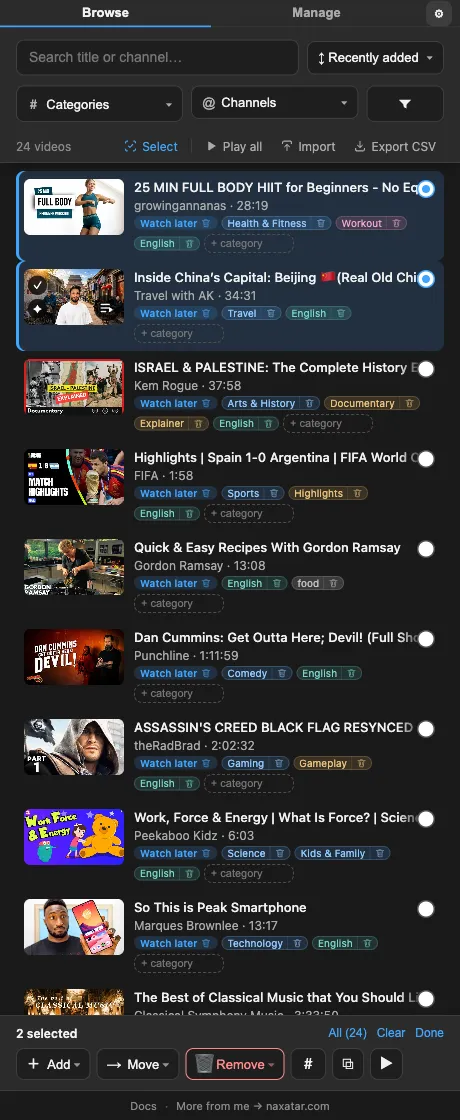
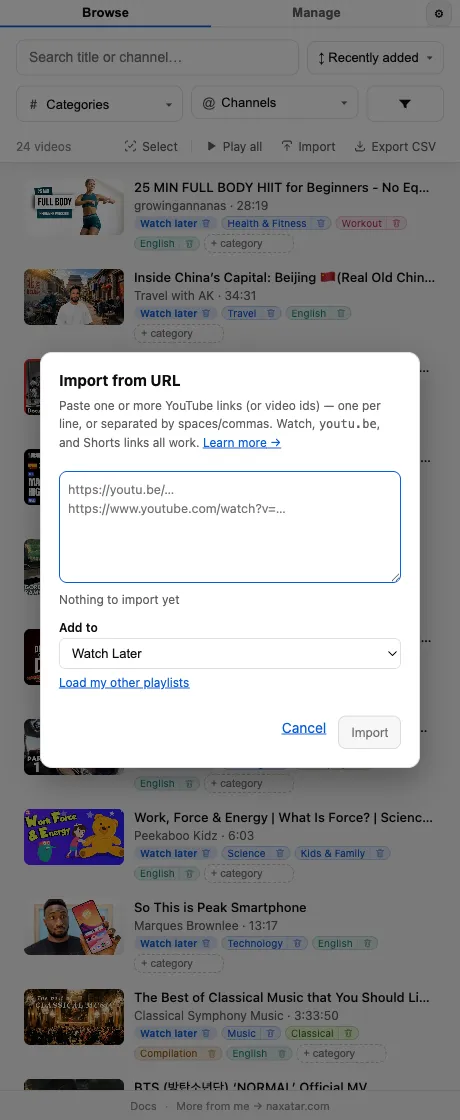
Your library is empty. Click “▶ Scan my Watch Later” on the Browse tab, open the Manage tab to pick playlists, or open a playlist on YouTube and click “Scan this playlist.”
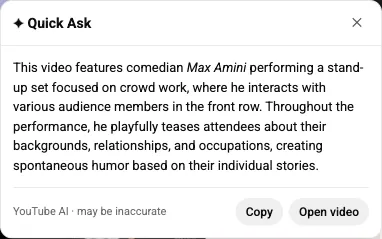
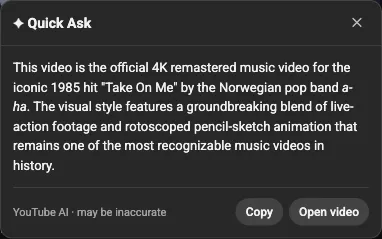
Quick Ask relies on YouTube’s own built-in “Ask” AI, which YouTube rolls out per account. If you never get a result, your account likely doesn’t have that feature yet. It’s also in beta, so answers can be wrong. Off the watch page it briefly opens a hidden background tab to summarize, which takes a few seconds.
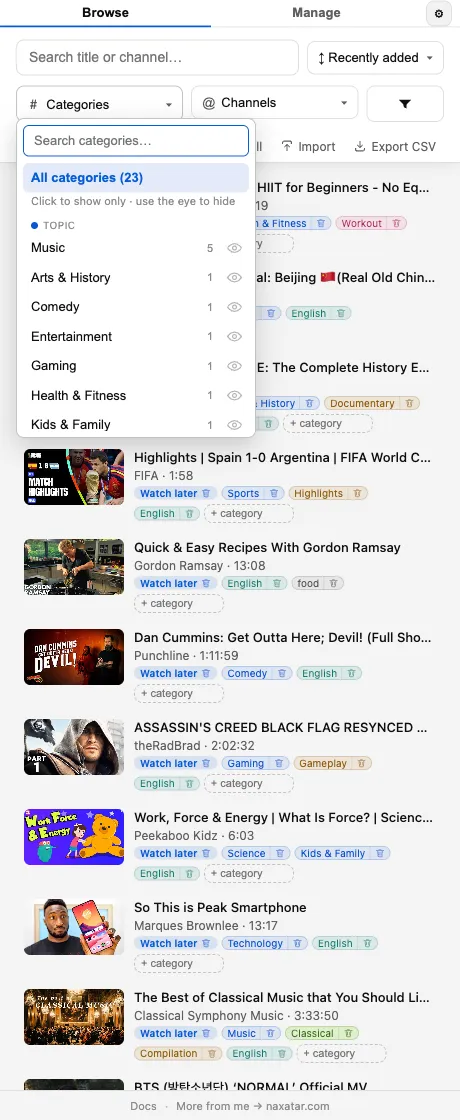
Full tagging is roughly an hour per 1,000 videos because it visits each video for accurate detail. It’s throttled to be polite to YouTube, but it’s resumable and stoppable — stop any time from the activity strip and keep whatever finished, or choose the “recent tags” policy to tag just the newest 100.
No. There’s no API, no OAuth, and no quota. It reads the playlist from the page you’re viewing, using your own signed-in session.
Yes. As long as you’re signed in and can see the playlist, the extension can index it.
Only your playlists, and only when you ask — you can add, remove, and move videos between playlists from inside the extension. It never likes, subscribes, comments, or changes anything else.
Yes — completely free and ad-free, including the automatic tagging. There’s no paid tier that unlocks features. If it helps you, you can support the work, but you never have to.
Any Chromium-based browser — Chrome, Edge, Brave, and Opera — plus Firefox. It’s a Manifest V3 extension. The one exception is Arc (see below).
Not currently. Playlist Wrangler lives in the browser’s side panel, and Arc is the one Chromium browser that doesn’t support Chrome’s side panel API. The extension installs, but the panel has nowhere to open — use Chrome, Edge, Brave, Opera, or Firefox instead.